ChessBase tips for beginners - Fonts & Figurines

by ChessBase
1/29/2026 – This lesson shows how to customize the look of your notation in ChessBase to make it clearer and more comfortable for everyday use. It covers changing notation styles, piece symbols, fonts, colours, and using quick zoom for better readability.

Your personal chess trainer. Your toughest opponent. Your strongest ally.
FRITZ 20 is more than just a chess engine – it is a training revolution for ambitious players and professionals. Whether you are taking your first steps into the world of serious chess training, or already playing at tournament level, FRITZ 20 will help you train more efficiently, intelligently and individually than ever before. 

ChessBase tips for beginners - Enter and save your games

by Anastasia Corotcova

ChessBase tips for beginners introduces a wide range of ChessBase features and demonstrates how to use the program efficiently.

Viewers learn everything from entering their first moves to applying powerful analytical tools that improve understanding.

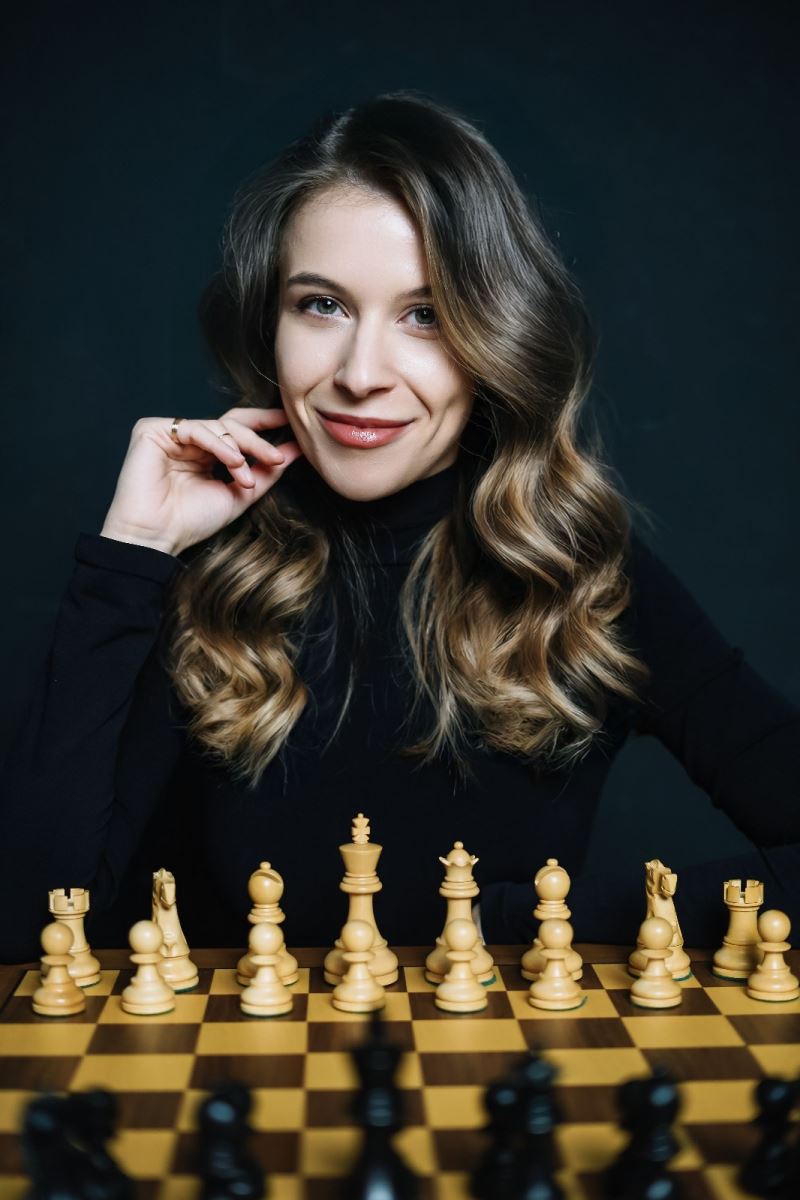
Anastasia Corotcova guides us through each step, explaining the functions with clarity and practical examples, and shows how to unlock the full potential of ChessBase and build confidence from the very start.

  • 0:00 – Intro: Customizing Your Notation Layout
  • 0:13 – Notation Tab vs. Score Sheet View
  • 0:40 – Returning to the Notation Tab (Default View)
  • 0:53 – Opening Notation Settings (File → Options)
  • 1:02 – Keyboard Shortcut for Options (Ctrl + Alt + O)
  • 1:09 – Navigating to the Notation Section
  • 1:20 – Choosing the Notation System
  • 1:32 – Changing Piece Abbreviations (Language Settings)
  • 1:50 – Using Figurines Instead of Letters
  • 1:59 – Customizing Font Type and Size
  • 2:10 – Setting Custom Colors for Variations and Text
  • 2:17 – Apply vs OK – Saving Your Changes
  • 2:32 – Result: Personalized Notation Look
  • 2:38 – Quick Zoom with Ctrl + Mouse Wheel
  • 2:56 – Temporary Zoom vs Permanent Font Settings
  • 3:04 – Final Tip: Experiment with Styles

Anastasia Corotcova is a chess player from Moldova who actively played and trained until starting university, around which time she also obtained her first FIDE Arbiter licence. Meanwhile, she is an international arbiter.

She has a background in computer science and has been working professionally in IT for the past seven years, which is her main occupation today.

Alongside this, Anastasia contributes educational chess content for ChessBase and previously hosted an educational TV program for children.

EXPAND YOUR CHESS HORIZONS
Data, plans, practice – the new Opening Report In ChessBase there are always attempts to show the typical plans of an opening variation. In the age of engines, chess is much more concrete than previously thought. But amateurs in particular love openings with clear plans, see the London System. In ChessBase ’26, three functions deal with the display of plans. The new opening report examines which piece moves or pawn advances are significant for each important variation. In the reference search you can now see on the board where the pieces usually go. If you start the new Monte Carlo analysis, the board also shows the most common figure paths.

Links:


Reports about chess: tournaments, championships, portraits, interviews, World Championships, product launches and more.
Discussion and Feedback Submit your feedback to the editors