
.jpeg)

On 12th July 2024, the 27th update for ChessBase 17, which was released in autumn 2022, was made available. The ChessBase programmers invest a lot of time in constantly improving the user experience and making it as pleasant and efficient as possible.
Occasionally users contact us to report 'bugs', i.e. supposed programming errors. Of course, there are always bugs in new, complex programmes, but in the case of ChessBase 17 many things have already been resolved and/or improved. It frequently turns out that the alleged errors only occur because the installed programme has not been updated to the latest version. This in turn is often because the update was not offered, simply because the user did not log in to ChessBase 17. Logging in is a prerequisite for retrieving the latest update
Here we explain step by step how login and updates work:
1. LOGIN
In ChessBase you will find a key at the top right. If it says Log off and next to it your username, you are logged in. If it says Log in and no name is displayed, then you still need to log in:
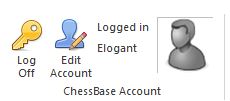
The user is logged in by name.
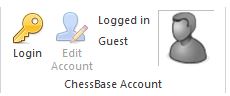
The user is not logged in without a name or as a 'guest'.
If you are not yet registered with ChessBase, you can do so here.

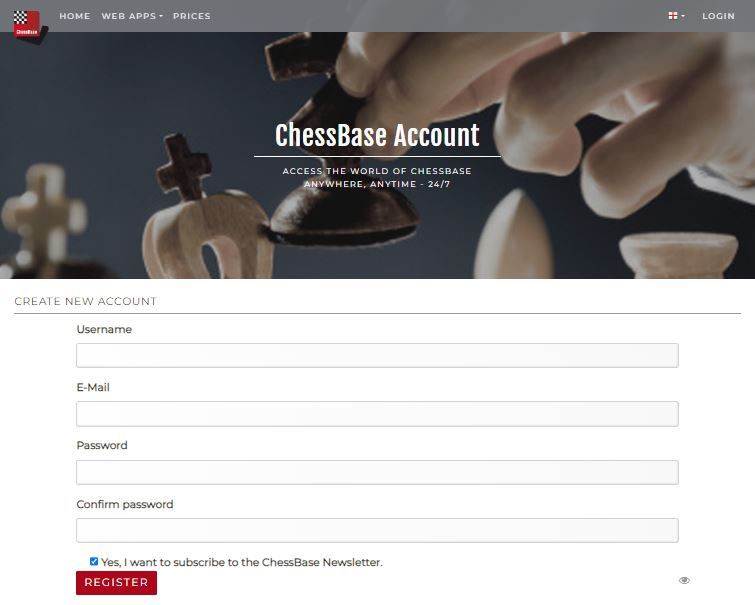
By the way: The CB17 serial number includes at least 3 months premium membership at ChessBase.
If you have an account and are logged in, it's very simple:
Go to the 'File' menu at the top left:
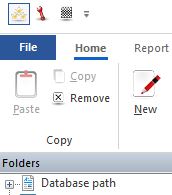
Then go to the 'Activation' tab and click on 'Update Program'.
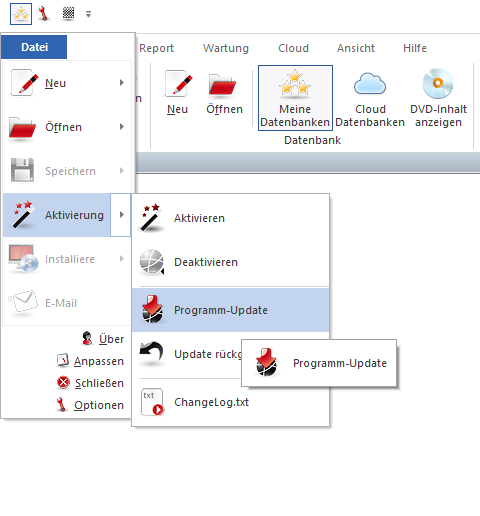
After the update or if your ChessBase 17 is already up to date, the following display appears:
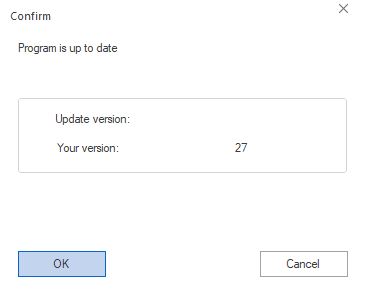
Congratulations - you can now use ChessBase with the latest version and without unnecessary issues.
Do you have further questions? Visit our support centre.